
Essential drivers for better PC audio
Realtek HD Audio Drivers are a key component for Windows PCs that use Realtek audio chipsets. These free drivers ensure that the operating system can properly communicate with your hardware, enabling stable playback, device recognition, and access to high-definition audio features. They’re especially useful for everyday tasks like music, movies, and gaming.
Top Recommended Alternative

Setup and everyday use
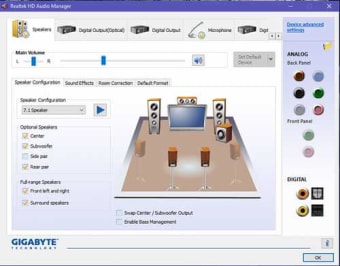
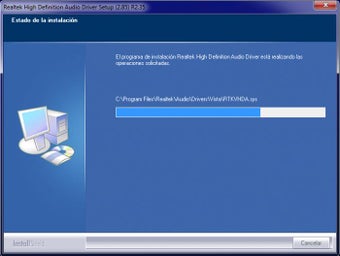
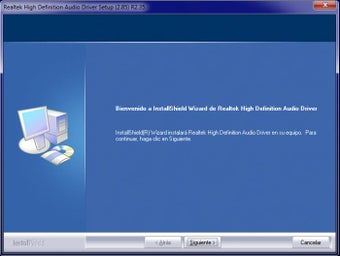
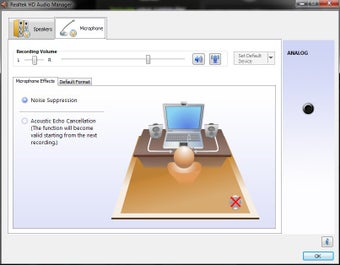
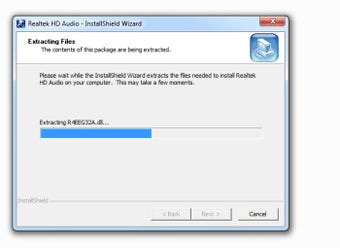
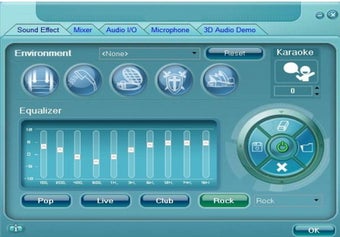
Installing Realtek HD Audio Drivers is simple: download the installer, run it, and restart the system. Once active, the drivers enable smooth audio playback and add the Realtek HD Audio Manager, a control panel for managing output devices and settings. This manager can automatically detect when headphones or speakers are plugged in, while also letting users fine-tune sound preferences. For most setups, the drivers run quietly in the background without requiring ongoing attention.
Strengths and limitations
The biggest strength of Realtek HD Audio Drivers lies in their wide compatibility, supporting many Windows versions and both 32-bit and 64-bit systems. They’re often the go-to fix when audio stops working after system updates or hardware changes. However, some drawbacks exist. The Audio Manager interface looks dated compared to modern software, and users on very old operating systems may face occasional crackling or device recognition issues. Even so, the drivers remain reliable for most modern PCs.
Final thoughts
Realtek HD Audio Drivers provide a stable and necessary link between Windows and Realtek audio hardware. While the interface design shows its age and older systems may require troubleshooting, the drivers deliver dependable performance and broad compatibility. For most users, they’re an essential download that restores and maintains full audio functionality.